Features
Built for the keyboard in your hand.
A typing test that respects how people really type on phones, and gives you a reason to come back tomorrow.
The test
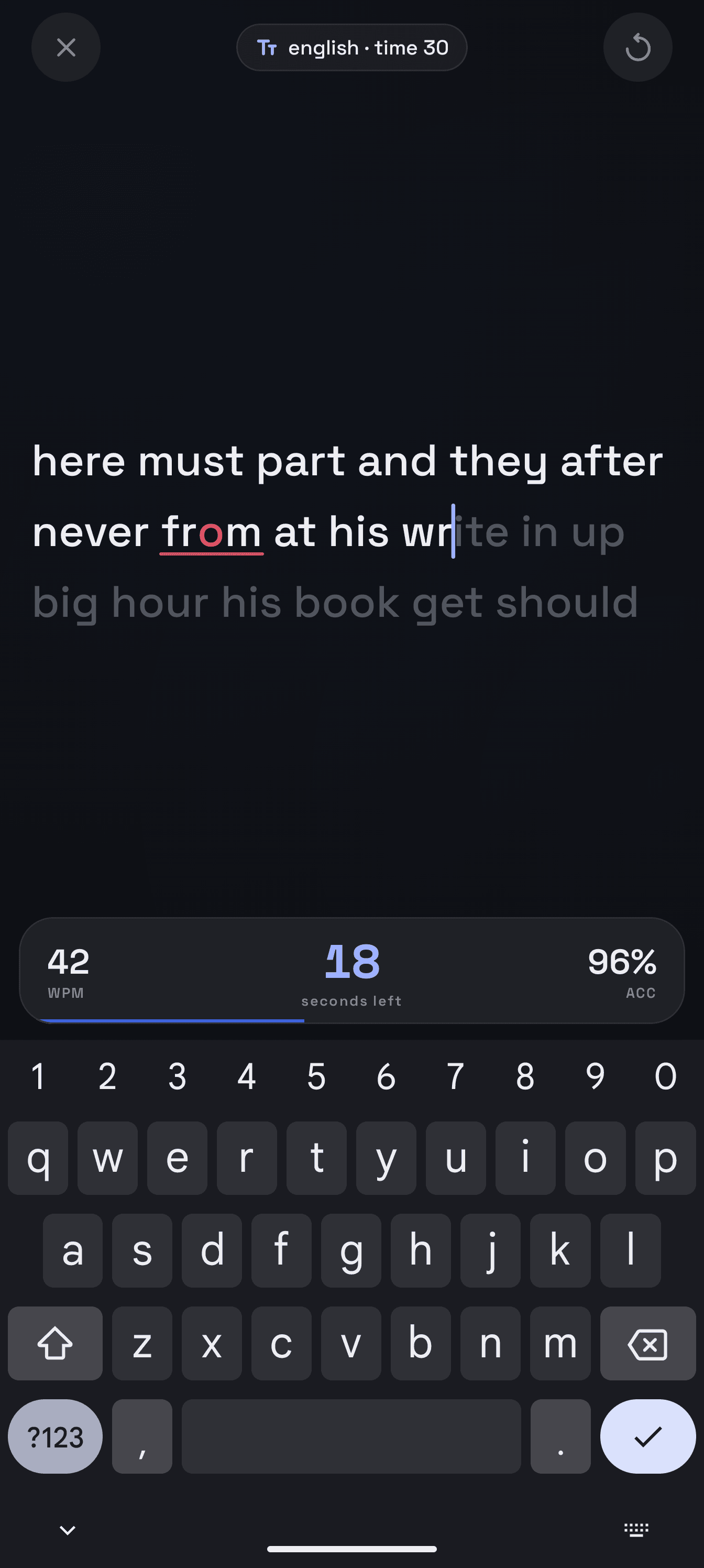
Full screen. Just you and the words.
Tap once and everything else gets out of the way. The active line stays in the middle, live numbers ride on top of the keyboard, and the clock starts with your first key.
- Lines of upcoming words, or one big word at a time
- Live speed, time or words left, and accuracy above the keyboard
- Mistyped words underlined as you go; a buzz on mistakes if you like
- Leave mid-test and it pauses; come back to the same letter
Setup
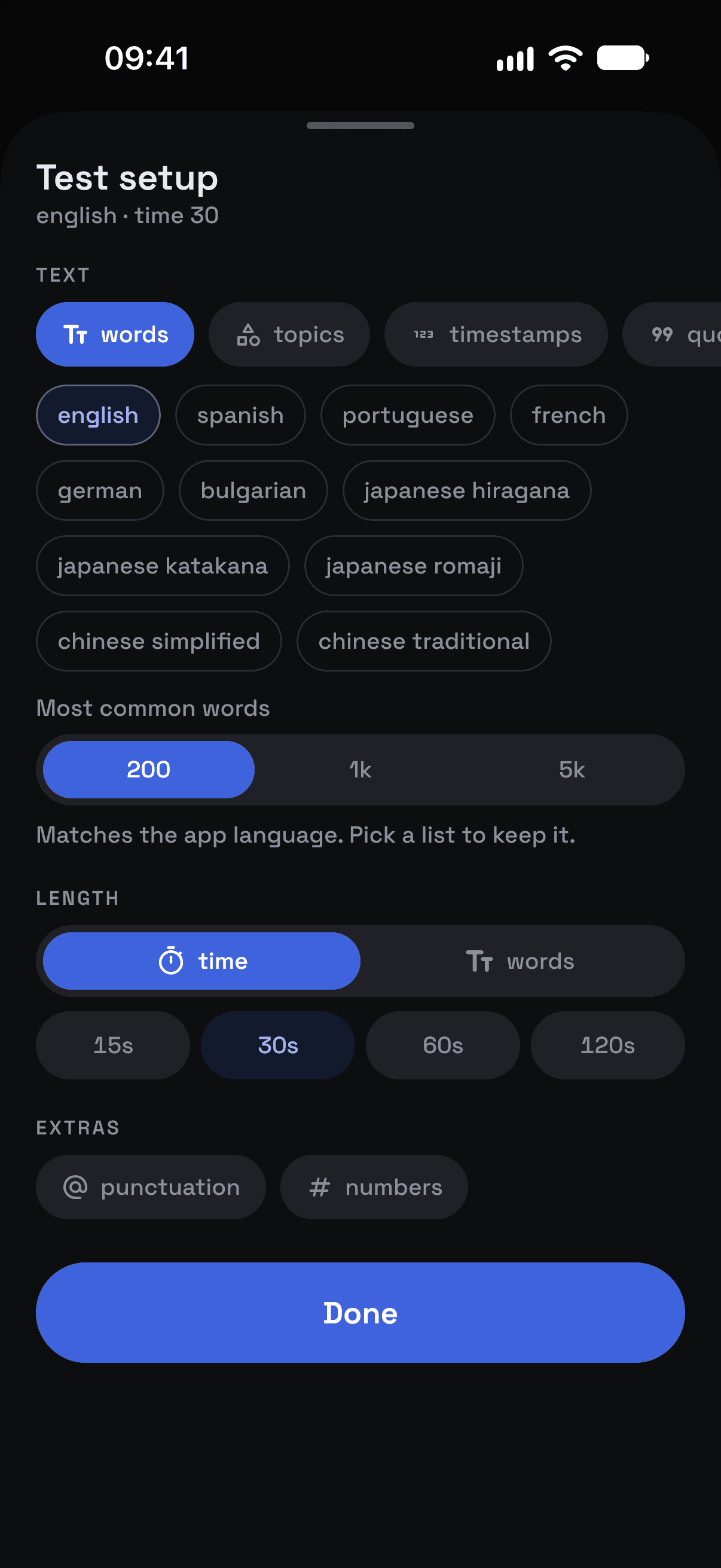
Every option on one sheet.
Pick the text, the word list and its size, how long, and whether to add punctuation or numbers. The word list follows your app language until you choose one.
- 11 word lists, with English in 200, 1k and 5k sizes
- A timer of 15, 30, 60 or 120 seconds, or 10 to 100 words
- Your setup is remembered for the next test
Results
Every test tells you something.
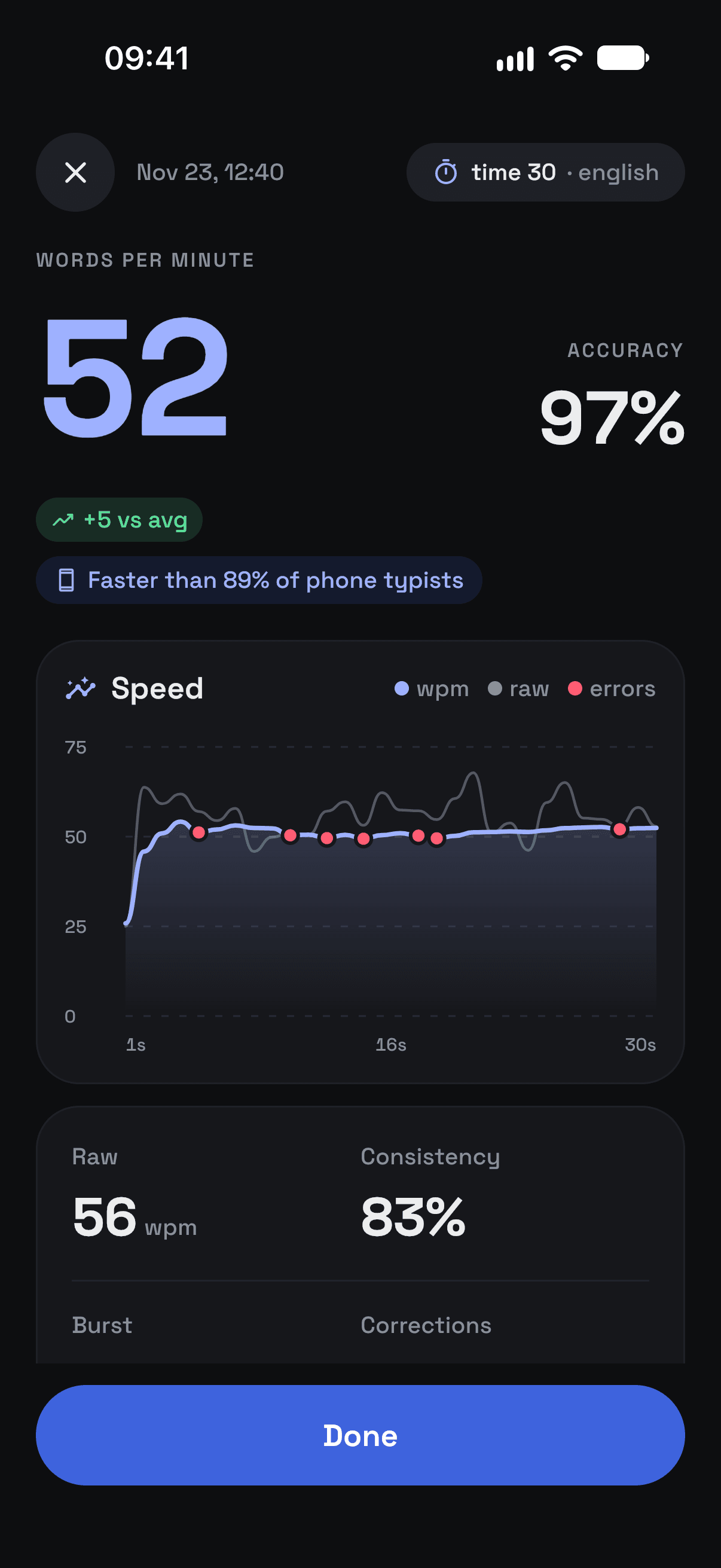
Your speed and accuracy up front, then the story of the run: how fast you went second by second, where you slipped, and how you compare.
- Speed chart with every error marked
- Raw speed, consistency and a character-by-character breakdown
- Personal best detection and the difference from your recent average
- Faster than X% of phone typists, from a published study
Mistakes
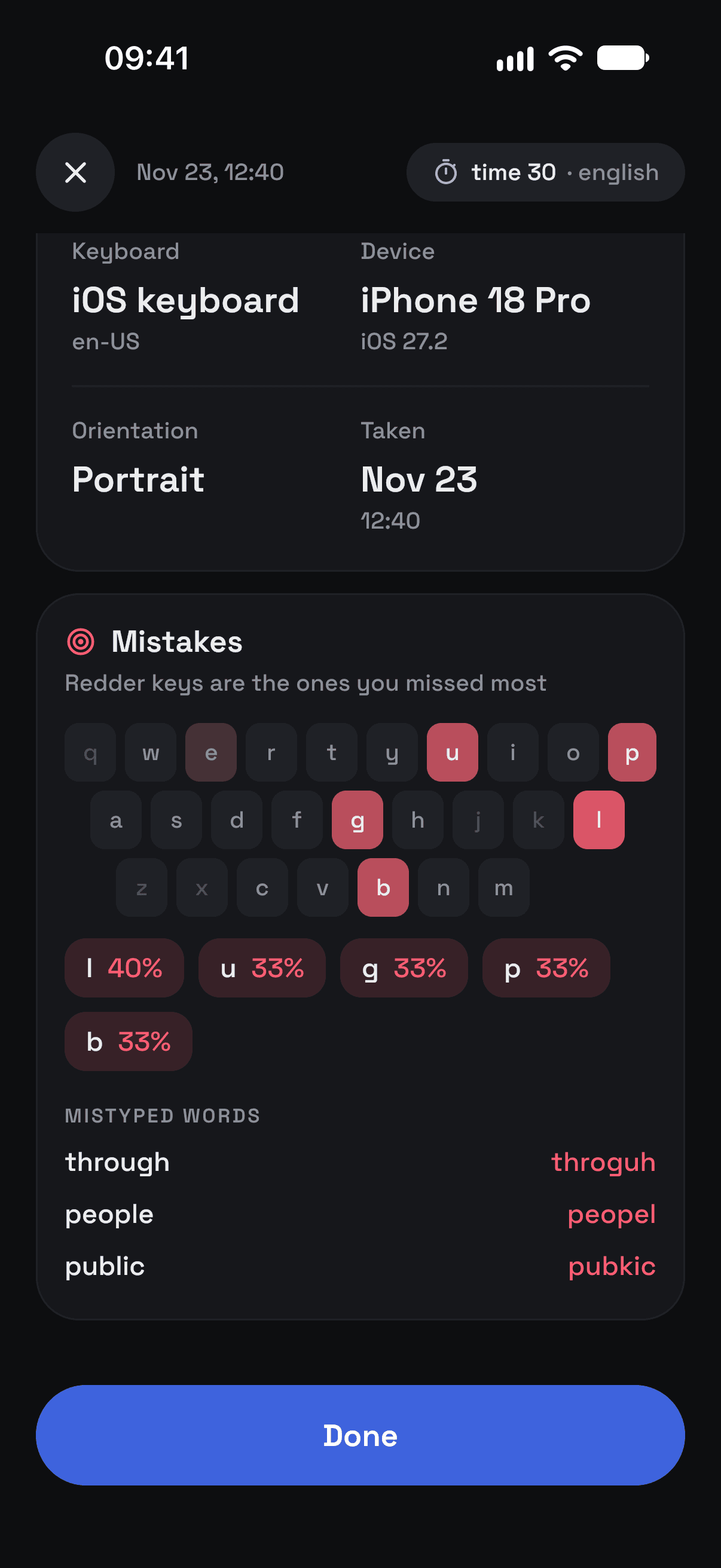
See the keys that slow you down.
A heatmap of the keyboard shows the letters you miss, in your language's layout, with the words you mistyped next to what you meant.
- Miss rate per key on this run and across all your tests
- QWERTY, QWERTZ, AZERTY and the Spanish ñ layout
- Your keyboard app, device and orientation saved with every run
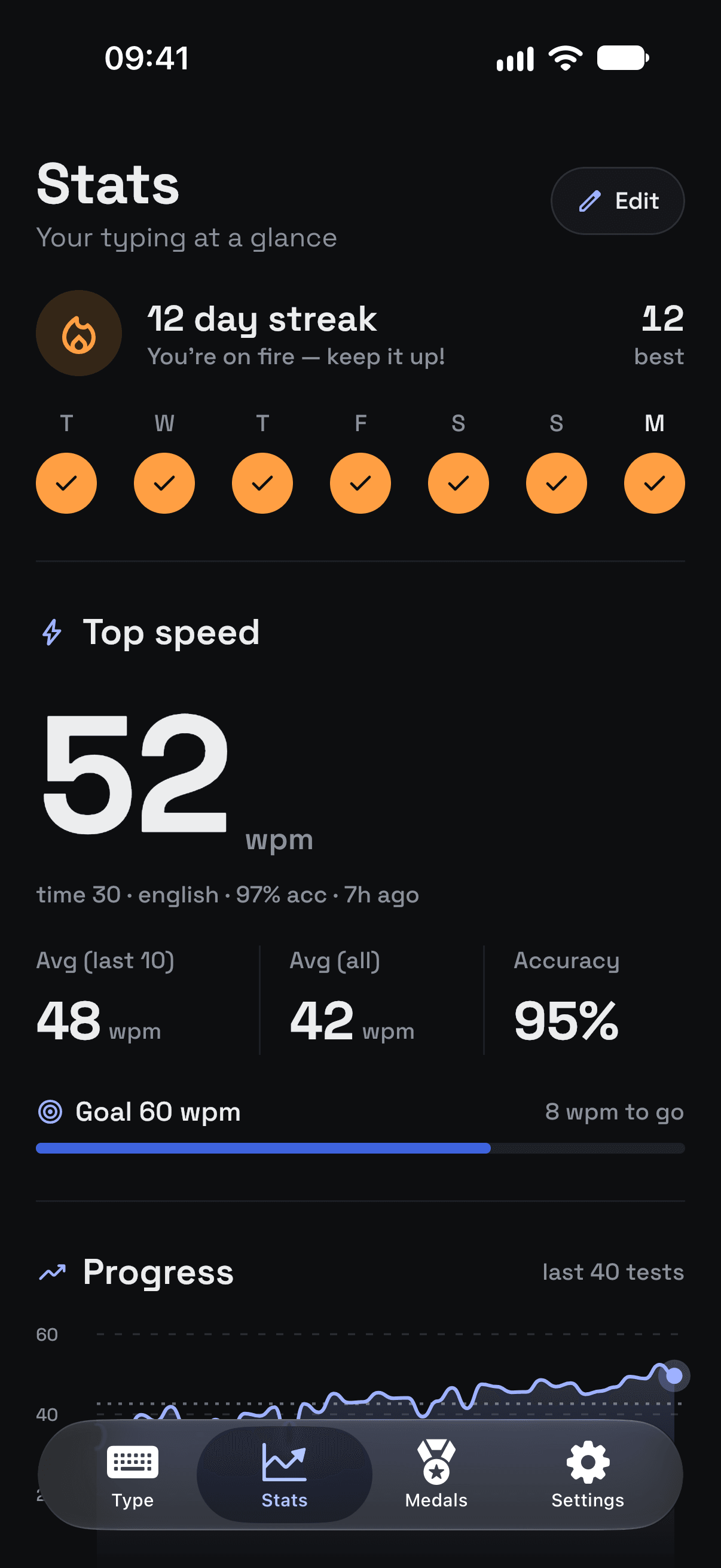
Stats
Your progress, at a glance.
Your streak and top speed lead, followed by progress, personal bests for every setup, trouble keys, totals and when you type best. Reorder or hide any card.
- A speed goal with a progress bar, set from where you are today
- Personal bests per test length, word list and text type
- Best hours of the day and best keyboard, from your own history
History
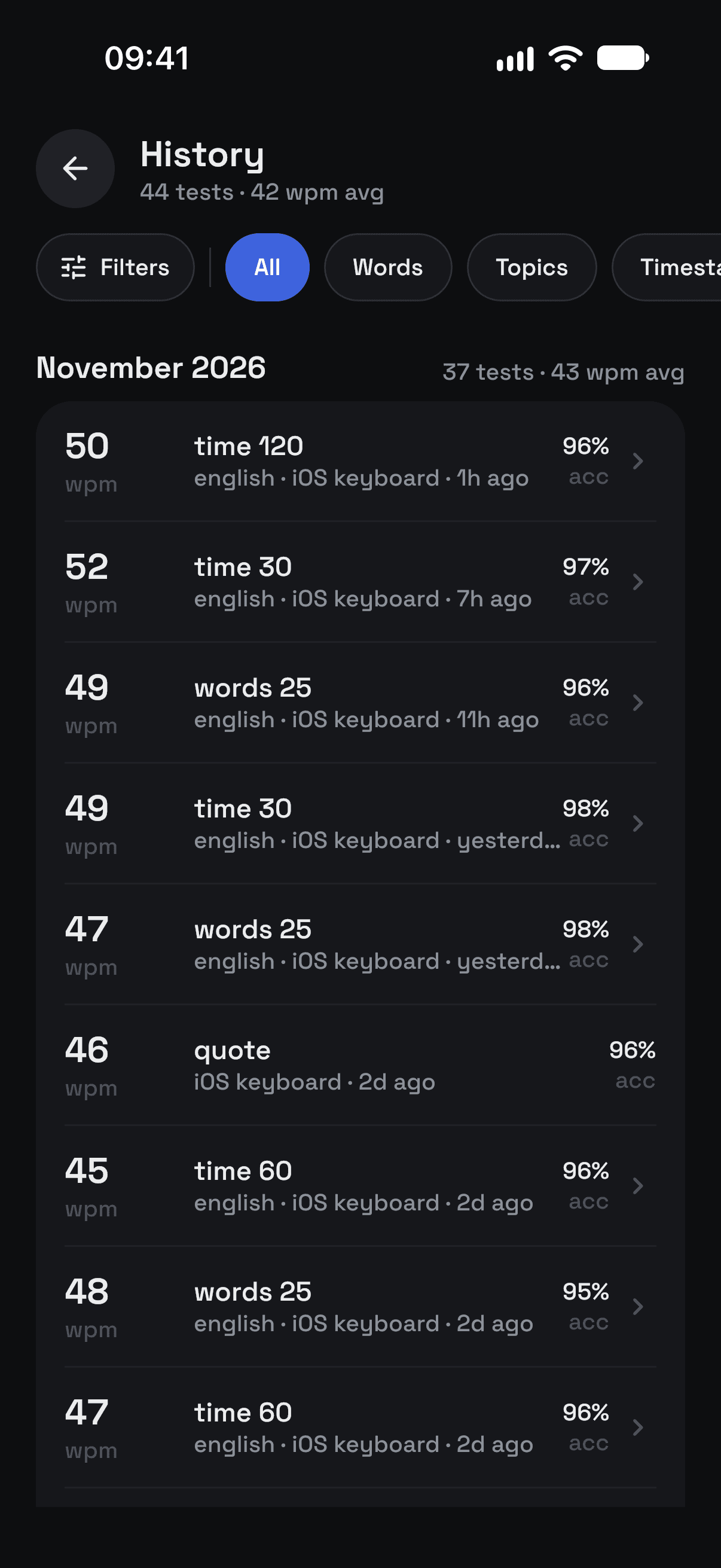
Every test, easy to find.
All your tests grouped by month, with quick filters by text type and a full filter sheet for length, speed, accuracy, period, keyboard and setup. Reopen your recent runs in full.
- Month summaries with test count and average
- Sort by date, speed or accuracy
- Counts on every filter option
Medals
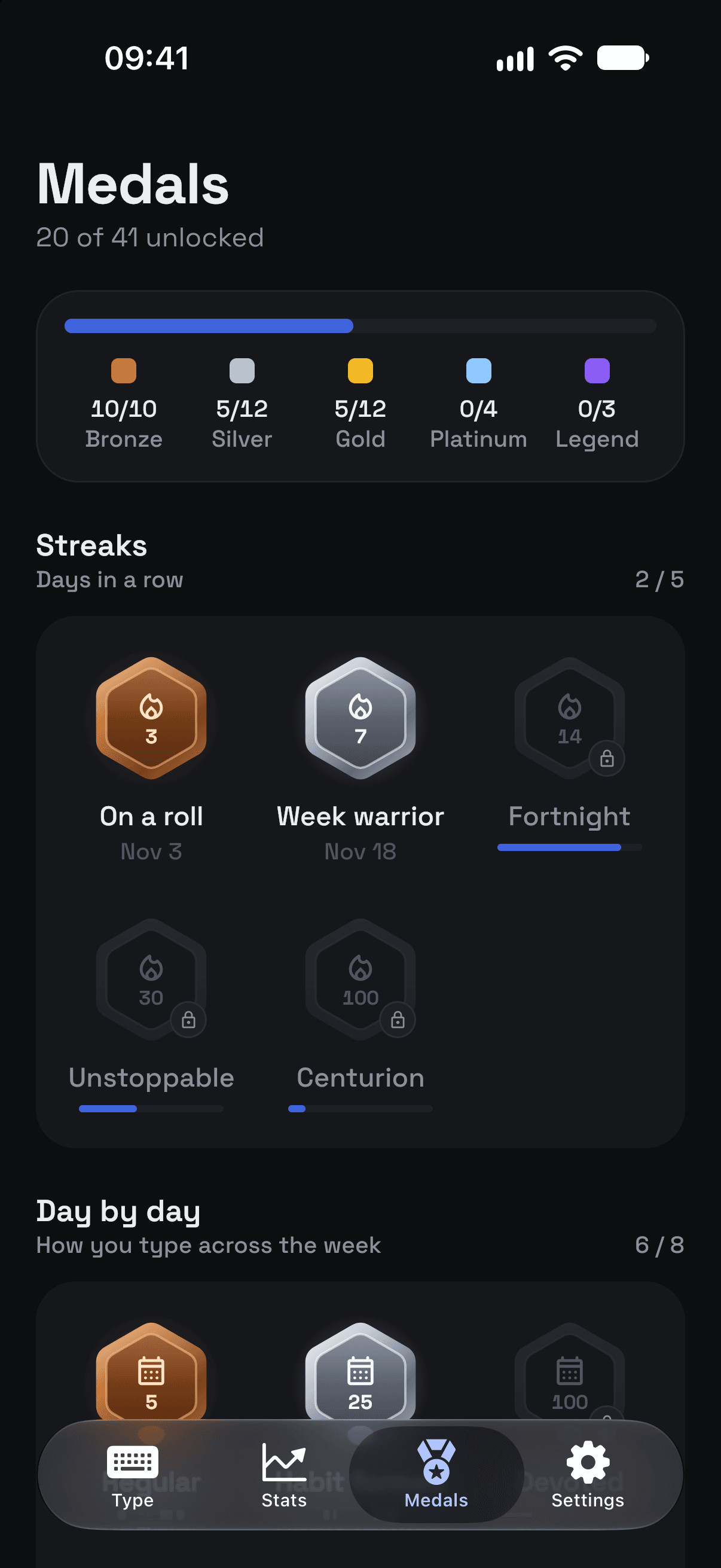
41 medals, from first test to legend.
Seven groups and five tiers reward streaks, days typed, speed, precision, practice, exploring and special moments. Speed medals sit on real milestones from the study.
- Unlocked after a test, with a little confetti; never while you type
- Locked medals show your progress toward them
- Each speed medal explains what the number means
Themes
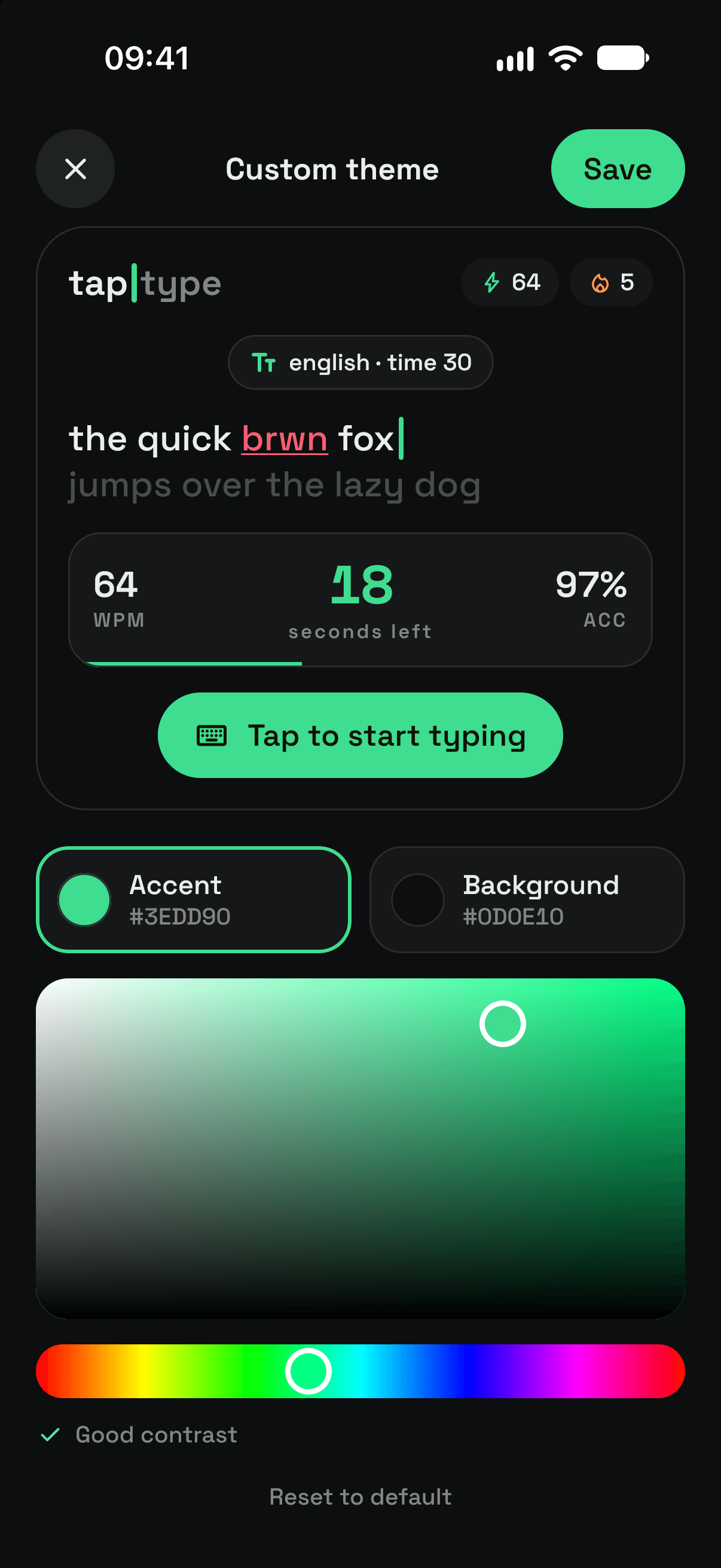
Your colours, kept readable.
Dark and Light share one calm indigo. Or pick any accent and background: every other colour is worked out from those two, and a live preview shows the result as you drag.
- A contrast check, so text stays readable on your colours
- Font sizes, caret styles and a smooth caret
- Lines of words, or one word at a time
What to type
Five kinds of text, any length.
Widgets
Your typing, on your home screen.
8 widgets in three sizes on iPhone and Android, each answering one question about getting better. On iPhone, lock-screen versions and a Control Center button too.
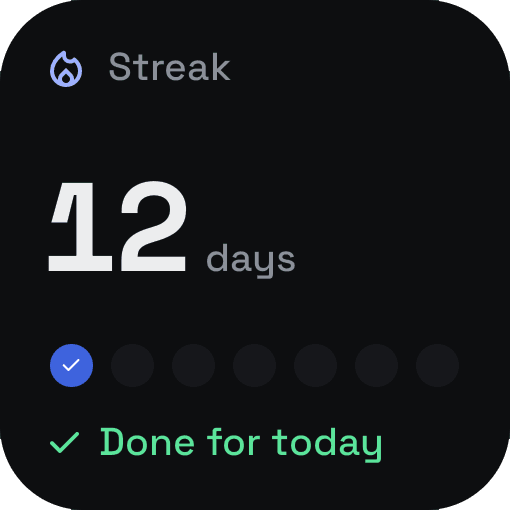
Streak
Did I type today? The week at a glance.
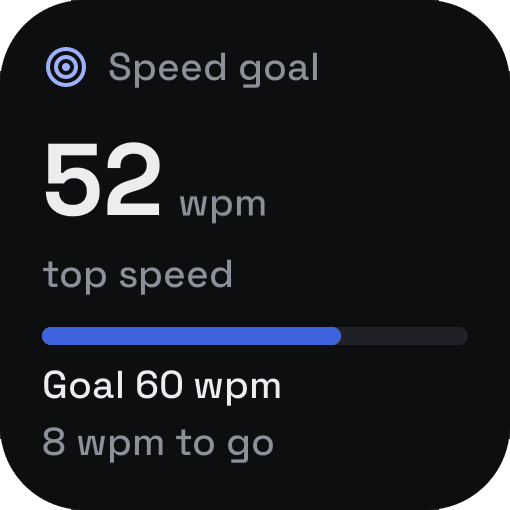
Speed goal
Top speed against your goal, last ten tests.
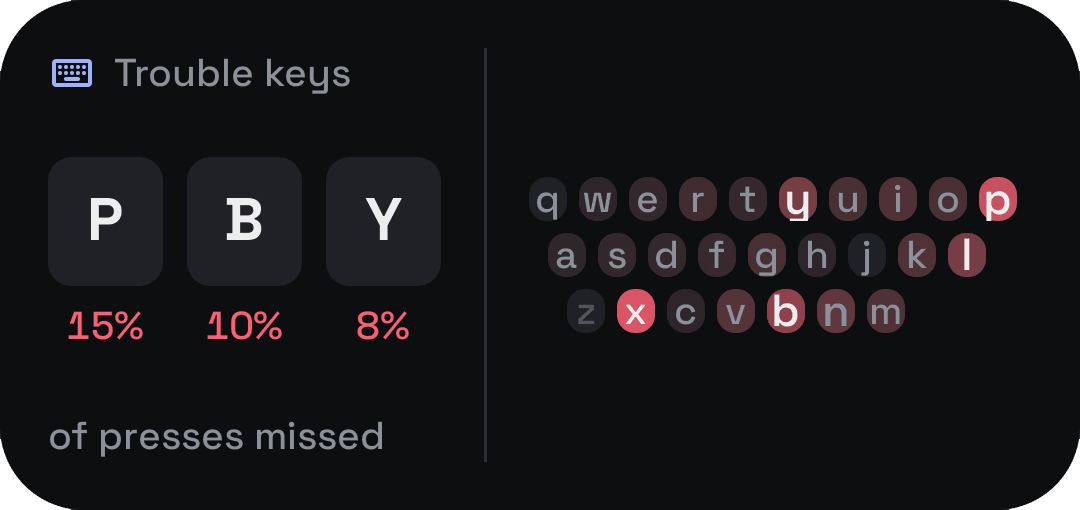
Trouble keys
The keys you miss most, as a heatmap.
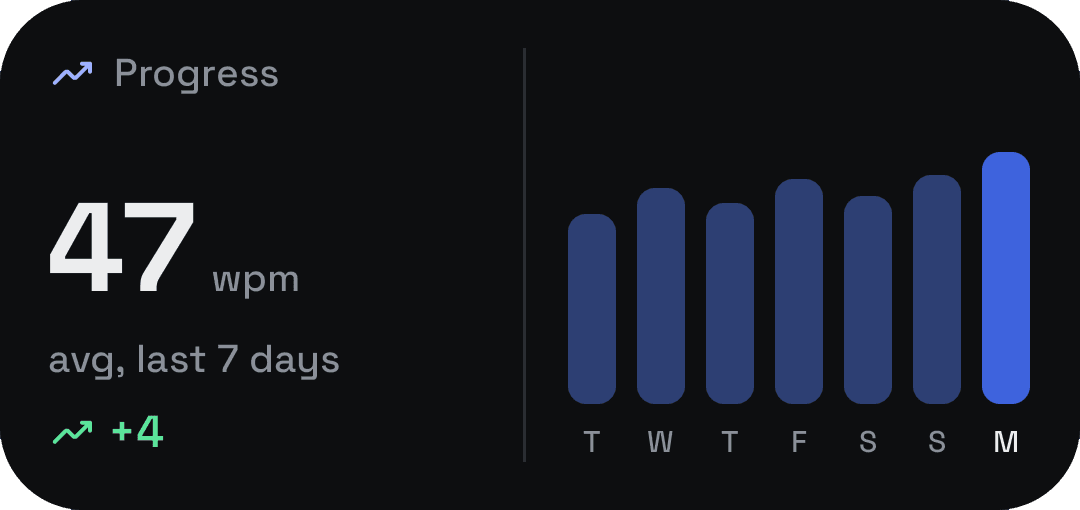
Progress
This week's average against last week's, day by day.
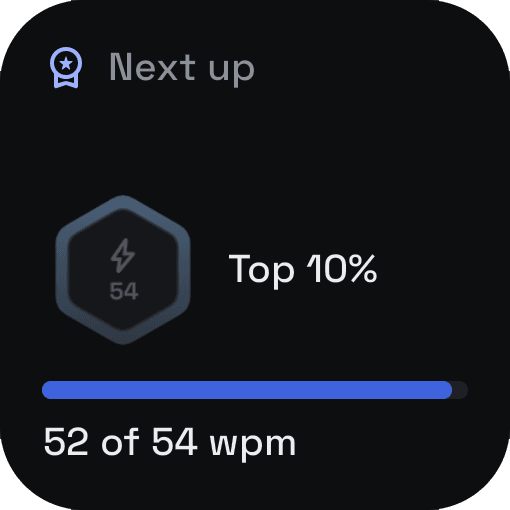
Next medal
The closest medal and how far there is to go.
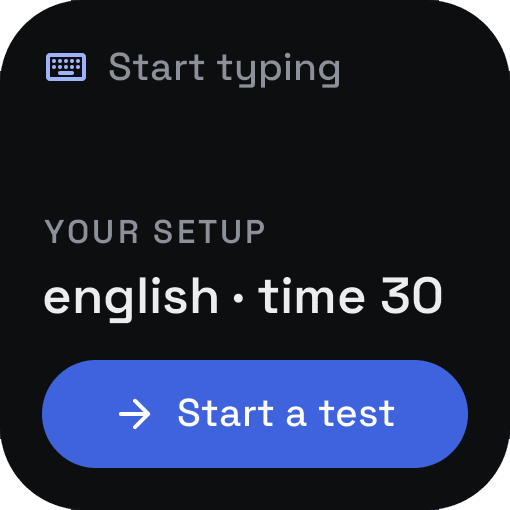
Quick start
Your setup, one tap from a test.
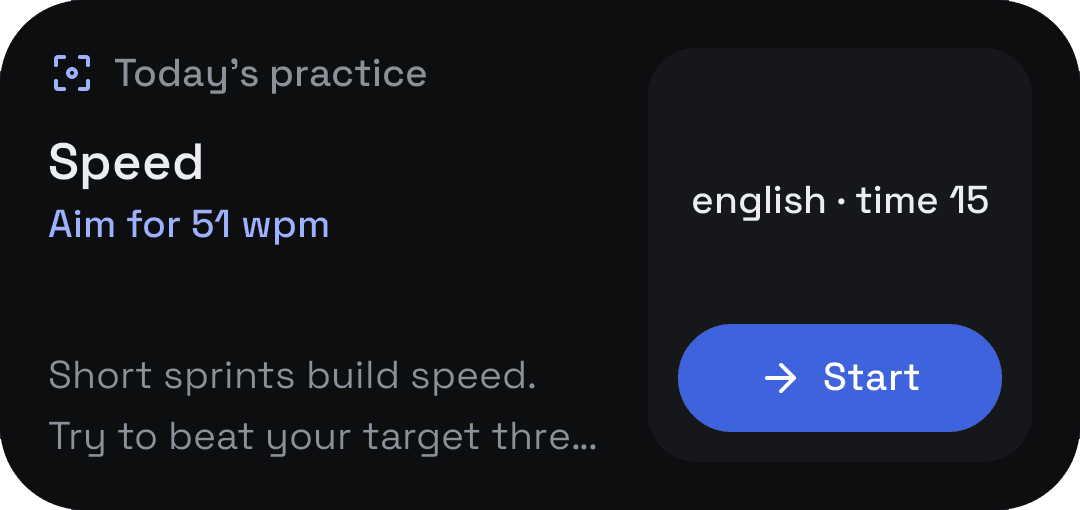
Today's practice
One test chosen for your focus, with a tip.
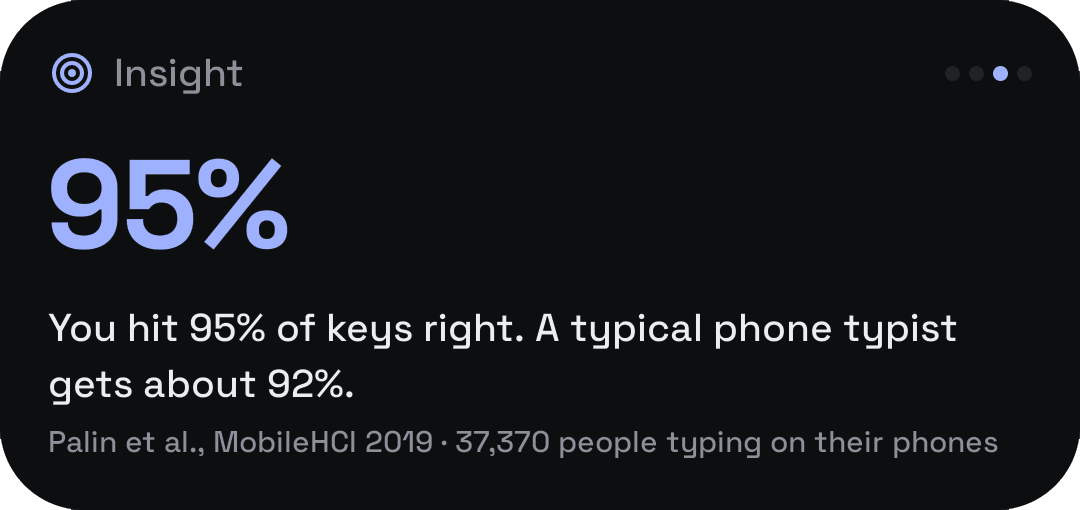
Insights
A new fact about your typing every few hours.
Real widgets from the Android app, showing a sample history. The iPhone widgets carry the same information.
And more
The small things.
Race your last try
Repeat a test against a faded replay of your own run.
One word at a time
Only the current word, large and centred, if lines feel busy.
Freedom mode
Backspace into words you already typed correctly.
Pause and continue
Leave mid-test; pick up at the same letter later.
Buzz on mistakes
A short vibration when you hit a wrong key.
Gentle reminders
Only when you haven't typed for a while, at a time you pick.
Goals and focus
A speed goal, plus accuracy, rhythm or speed to work on.
Japanese and Chinese
Kana and hanzi typed with your keyboard's own input method.
9 app languages
English, Spanish, Portuguese, French, German, Bulgarian, Japanese, Chinese.
Tablets and foldables
Two columns on big screens; a test survives folding.
Fair by design
Hardware keyboards, pasting and dictation are blocked.
No account, offline
Nothing to sign up for; everything works without a connection.